|
|
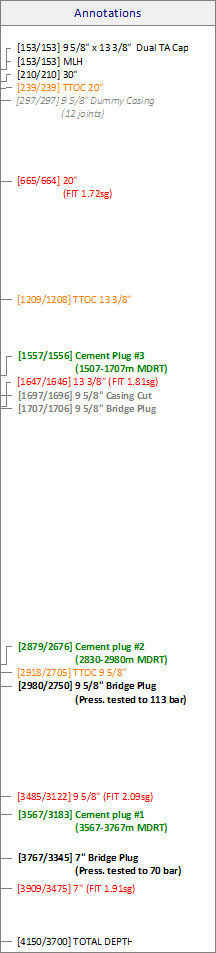
The purpose of the Annotations column is to annotate the well sketch (or a specific column). There is a distinct difference with the Well events and Text blocks column types. Unlike the Well events column, the Annotations have no icon. The positions of labels in the Annotations and Well events columns change with different scaling (and range). To draw blocks of text independent of scaling, select the Text blocks column type.
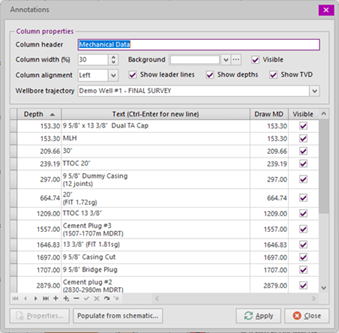
Each annotation is specified for a depth and a single- or multi-line label may be defined. Ultimately, the label (with MD and optionally TVD) will be drawn at Draw MD. Draw MD is by default the same as Depth unless changed specifically. To force the label to a new line, press [Ctrl]-[Enter] when editing the cell.
With the Properties button, the font type, size, color and style may be set for one or more annotations.
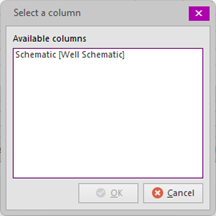
The Populate for schematic button opens a dialog from which a well schematic can be selected (the dialog shows all well schematic columns available in the well sketch. After selecting a column and clicking OK the Cement Evaluations (annuli) for this column will be built from the casing data in the selected well schematic column. If the column already contains Cement Evaluations, a dialog box will be shown to confirm existing data may be overwritten permanently.
|
Copyright © 2026 Softdrill NL