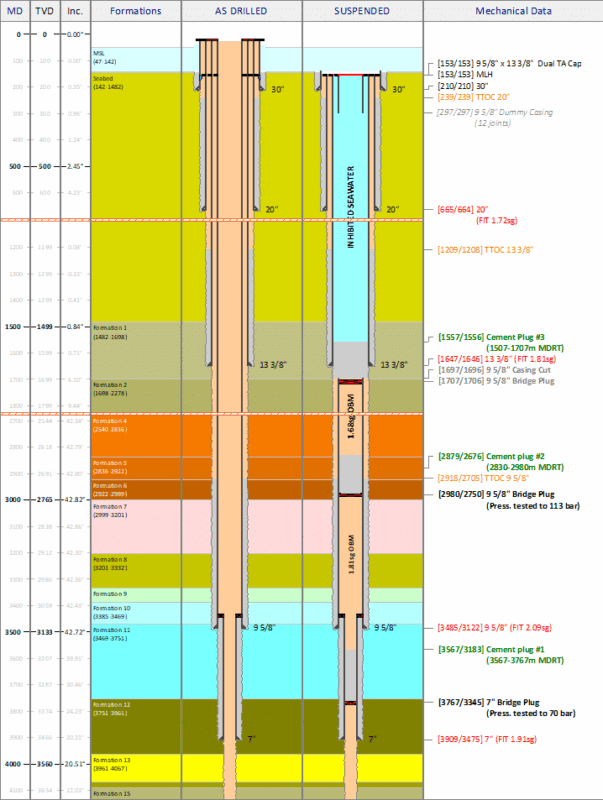
A variety of header and well column types are available and several additional types are planned to be added.
Currently available well column types:
Axis (MD, TVD or Inclination)
Formations
Well Schematic
Graph (line and point series)
Cement Evaluation
Rock Classification
Annotations
Risks assessments (drilling)
Well Events (a.k.a. Offset Review)
Text Blocks
Link to formation column
Formations can be input for each well schematic column. However, to facilitate easily drawing multiple well schematic columns for the same well (e.g. operational sequences), the schematics may be linked to a formation column.
Each change in the formation column will then be applied immediately in all linked well schematics.
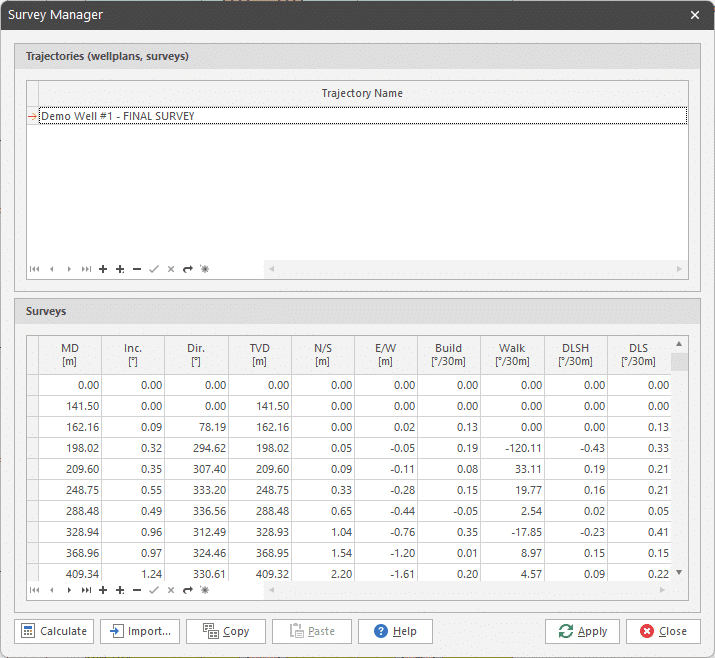
Survey manager
The survey manager allows import of surveys (or wellplans). Each column may then be linked to a survey to automatically calculate TVD and include this in the depth labels (optionally).
Having a survey linked will also enable calculation and display of the inclination axis column.
Paper sizes
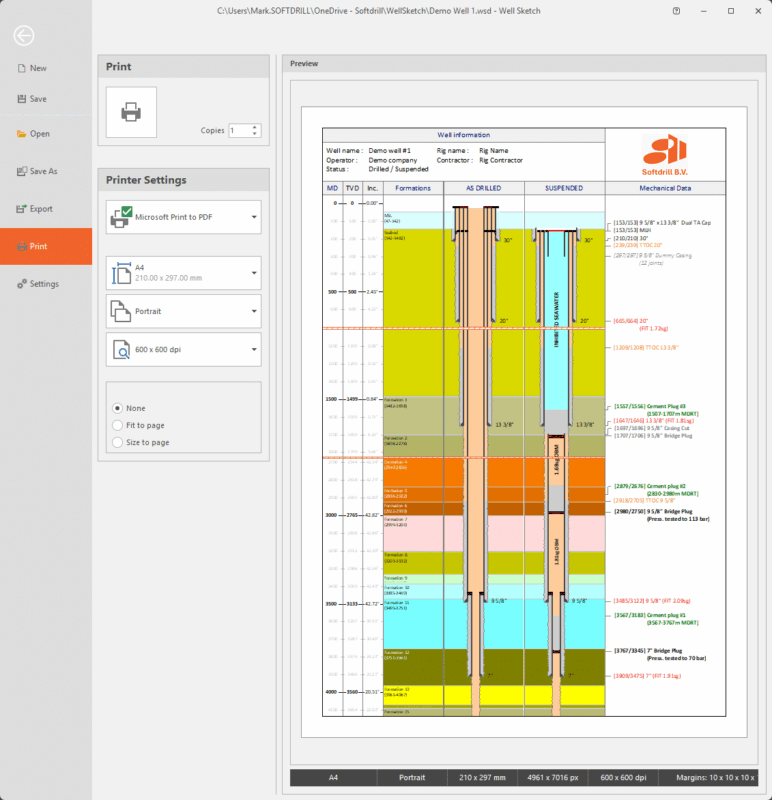
Well sketch drawing may be set up for any paper size (e.g. A4, A0, Letter, Arch E) and printed out on any other paper size.
For example: a drawing may designed for A4 (Letter) and printed on A3 (Ledger) by selecting the ‘Size to page’ print option. In reverse, a printing for A3 (Ledger) may be printed on A4 (Letter) by selecting the ‘Fit to paper’ option when printing.