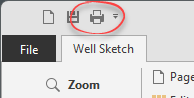
To print the Well Sketch, click the Print button in the Quick Access menu or select the File menu:
This will open the Print Preview and Setup page in the Backstage View:
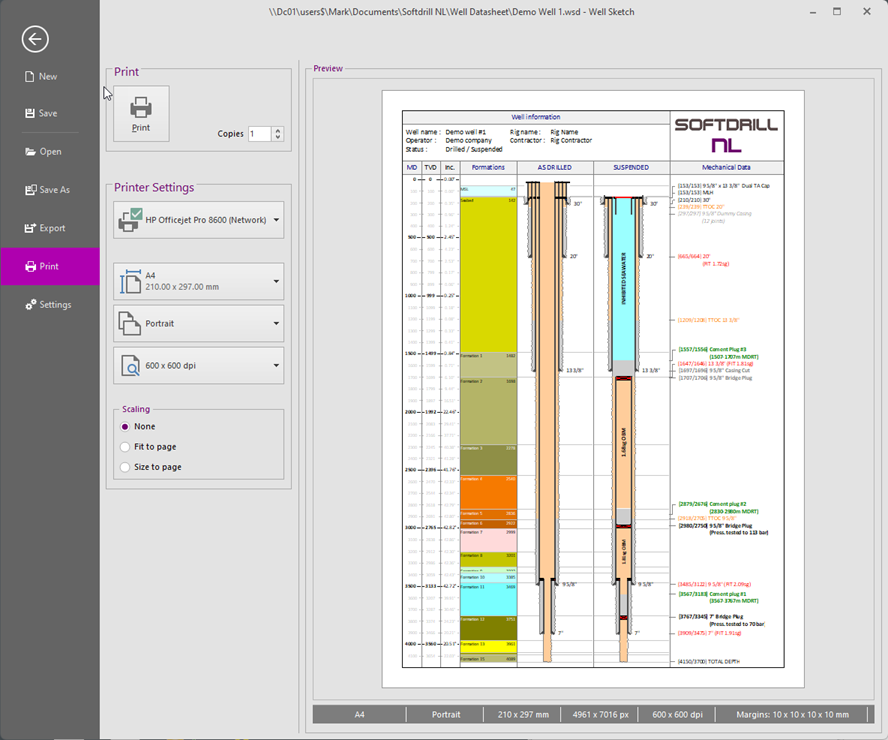
Most functionality on this page will be self-explanatory, but it is important to understand that a Well Sketch is setup for a specified page format (i.e. size, orientation and output resolution). When printing the Well Sketch, a different page format may be selected. For example, a well sketch may be designed for A4 Portrait on a 600 x 600 dpi resolution but printed to A3 Portrait on a 1200 x 1200 dpi resolution. The selected formats (well sketch and output) may be freely chosen.
The status bar at the bottom of the normal screen (when working on the well sketch) displays the page format defined for the well sketch. The status bar at the bottom of the print preview displays the currently selected output page format.
To accommodate the above, the Scaling selection should be used. The options are as follows:
None. No scaling is applied. This is typically used when printing to the same page format as defined for the well sketch.
Fit to page. Scales down the well sketch. Used for well sketches for page layouts larger that the output page format (e.g. A3 to A4). In other words, all scaling factors < 100%.
Size to page. Scales down as Fit to page but scales up when the well sketch page format is smaller that the output page format (e.g. A4 to A3).
 The Scaling can also be used when printing to a different resolution. E.g. use size to page when printing a 600 x 600 dpi well sketch when printing to a 1200 x 1200 dpi (PDF) printer.
Copyright © 2025 Softdrill NL