An image header displays any kind of bitmap (.bmp) image. For example, a company logo but any other bitmap image may be used.
Besides the standard column properties, the image may be set by right-clicking the image editor. This will display a pop up menu.
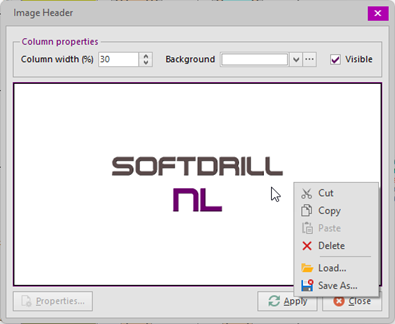
To set the image, either use the Load... or the Paste option. Cut and Copy options are available to place the current image on the Windows clipboard (e.g. for use in other well sketches). With the Save As... option the logo may be saved to file and there's also a Delete option to clear the logo.
Copyright © 2026 Softdrill NL