A new Well Sketch drawing is started by clicking New in the Backstage View or from the Quick Access menu.
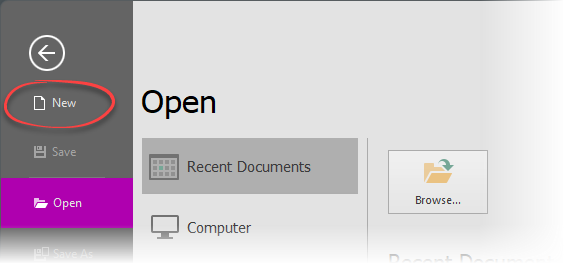
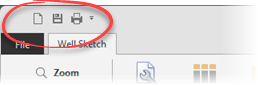
After clicking one of these options, a blank Well Sketch drawing will be created and a wizard form will be shown, guiding the user through an initial setup. This is truly an initial setup, all settings may be changed and columns added or removed at any time when working with the drawing.
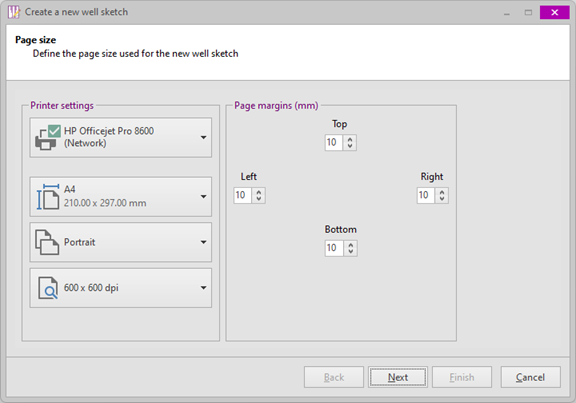
The initial page is where the page format and margins are defined for the well sketch. This is the only mandatory page in the wizard (i.e. the Finish button is not available, the settings must be confirmed with the Next button). Optionally, the wizard may be canceled by clicking the Cancel button. In that case no new well sketch will be created.
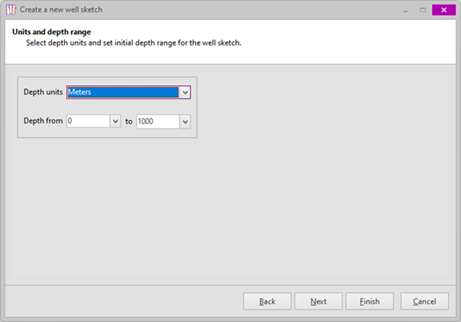
The second page is where the units of measurement for depths (MD and TVD) is defined, as well as the initial depth range for the drawing. Again, these settings may be freely changed at any time.
The depth range is merely a "view window". For example, a well may be input from 0 to 4000 meter but only shown (drawn) for the depth range 0 to 1200 meter to show surface casings only.
 From this page onwards, the Finish button may be clicked to create a well sketch (with the defined page format and with or without header- and/or well columns.
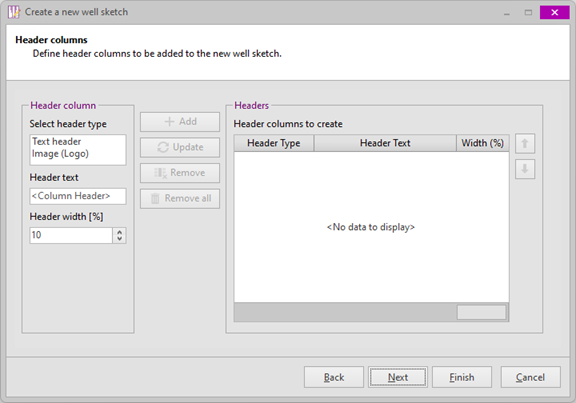
On this page the header columns for the well sketch can be defined. Select the desired Header type, enter a column header text and specify the desired column width (in a percentage of the complete well sketch width) and click Add to add it to the list (on the right). Columns may be updated (header text or width) and/ or removed as required.
It is not required to define header columns here. It is perfectly acceptable to create a well sketch without any header columns.
On the last page, the required well columns for the well sketch are defined. Columns may be added, updated or removed as required.
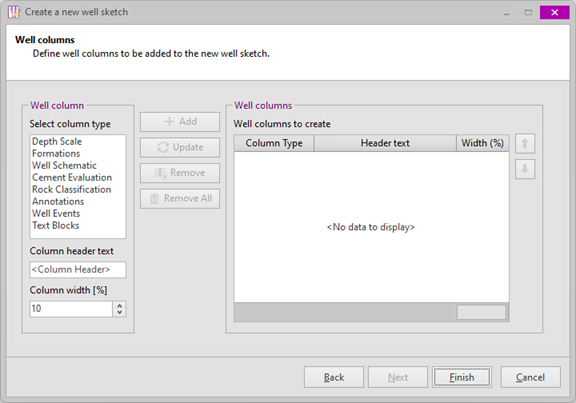
If not already done so, click the Finish button to create a new well sketch with the defined headers and well columns.
Copyright © 2026 Softdrill NL