A template with predefined content (text, images, hyperlinks and even fields) may be defined and set as default in Settings. Clicking the template edit button will bring up the template editor, a small word processor with options for file handling, font and paragraph settings etc.
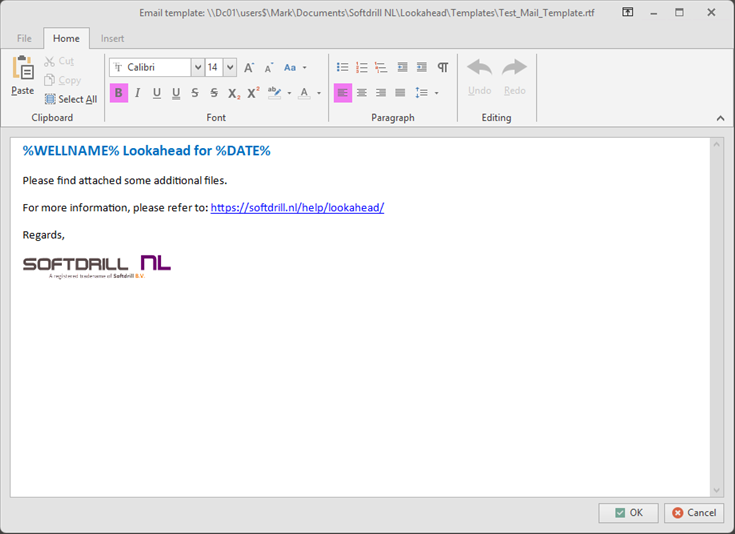
The Home menu provides all the options to manipulate the template text. The Insert menu provides options to insert images, symbols and fields. Fields are text, specifically formatted, that will be replaced by their data value at the time of creating the email (e.g. %WELLNAME% -> Demo Well #1).
.png)
The File menu provides options for file handling:
.png)
This means you can start a new template, open an existing one or save the current one. When closing the template editor with OK, the current file name will be set as the default email template to use.
Copyright © 2025 Softdrill NL