A new (empty) lookahead is started by clicking New in the Backstage View or from the Quick Access menu, as shown below.
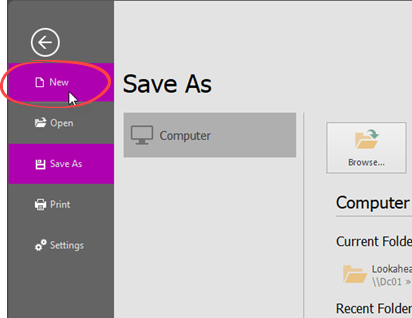
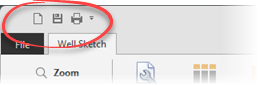
After clicking one of these options, a blank Lookahead will be created. If you already have a Lookahead open, a new form with a new Lookahead will be created.
The Project Data will appear so you can input Operator, Well Name, etc. as well as the Project Start Date & Time and the initial personnel count on location (POB). The latter two are important to correctly calculate the schedule times and total head count on location for each day.
.png)
Copyright © 2025 Softdrill NL